
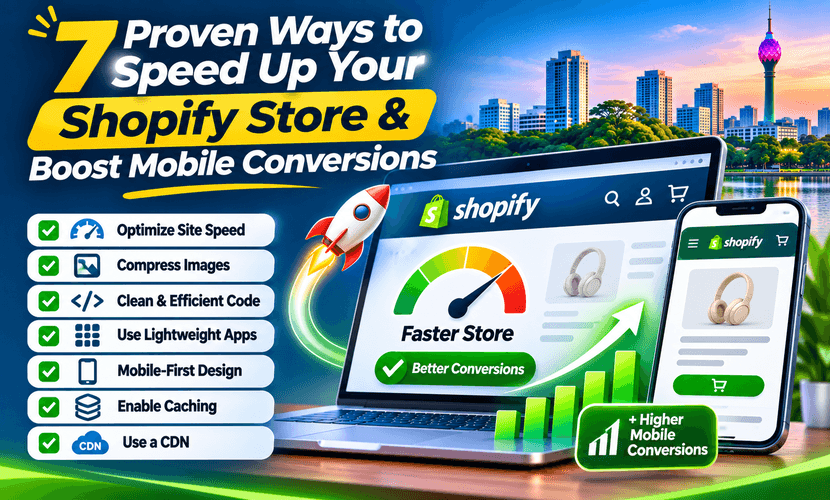
How to speed up a Shopify store is usually not a mystery plugin. The store is slow because the homepage image is huge, three apps inject scripts on every page, and the theme loads fonts and sections the merchant no longer uses. Mobile shoppers feel that before they read a word.
These seven fixes are the ones that show up on real stores. “Proven” means they address the usual causes of a slow Shopify theme. It does not mean a promised conversion rate. A faster page removes one reason to leave. The offer, the price and whether checkout works still decide the sale.
What to measure first
A Shopify Core Web Vitals fix starts with a number, not a redesign. On a phone, note three things for the homepage and one product page:
- LCP — how long the main image or headline takes to appear.
- INP — how long the page takes to react to a tap.
- CLS — whether the layout jumps while it loads.
Use Shopify’s own speed report and a lab test such as PageSpeed Insights. Lab scores and the field data from real visitors can disagree. Fix the cause you can see, then measure again on the same pages. Do not chase a green badge by deleting content people need.
1. Shrink the image that paints first
The first screen is almost always the LCP. A full-width photo exported at 4000 pixels, or a slideshow of three of them, makes the phone download a desktop file. Export the hero at the width the theme actually displays, use a modern format the theme accepts, and do not put text that matters only inside the image.
2. Delete apps that are not earning their script
Every app can add JavaScript to pages that never use it. Popups, review widgets, chat, heatmaps and currency converters are the usual weight. Uninstall what you have not looked at in a month. Disable the rest on templates where they do nothing. This is the highest-leverage Shopify page speed optimization step on a store that “feels heavy.”
3. Stop the theme loading unused sections
Online Store 2.0 themes keep sections in the JSON even after you hide them in the editor. A homepage that stacks video, three collection lists and an app block will not become fast because the logo is smaller. Remove sections you do not need. Keep one clear first screen.
4. Give images a size so the page does not jump
CLS is the jump. Banners, logos and product tiles without width and height move the button after the shopper has already aimed at it. Set dimensions in the theme, and do not inject a promo bar with JavaScript after the header has rendered.
5. Cut font files
Two weights of one family are enough for most stores. Four families, each with italic, delay the text that is supposed to be the LCP when the hero has no image. Use the fonts the theme already serves before you upload a custom kit.
6. Do not autoplay a homepage video on mobile
Video is a brand choice. On a phone it is also a download. If the first screen is a video, poster the first frame as an image and let the video start only after a tap, or only on desktop. The product photo should not wait behind it.
7. Retest the same two URLs after each change
Change one thing, publish to a duplicate theme if you can, and retest the homepage and a product page on a phone. A pile of simultaneous edits makes it impossible to know what helped. Write down LCP, INP and CLS before and after. That note is the result. A screenshot of a lab score on a different URL is not.
Speed and conversion rate
People search improve Shopify conversion rate in the same breath as speed. A slow mobile product page loses people who were ready to buy. Fixing it can raise the share who reach checkout. It will not, by itself, fix a confusing variant picker, a shipping rate that appears only at the last step, or ads pointed at the wrong product.
Treat speed as one part of conversion work: the page loads, the price is clear, the payment method exists, and the order completes. We do not sell a conversion percentage in advance.
When to hire the cleanup
Do the image and app pass yourself if the theme is simple. Hire a Shopify page speed optimization service when apps, a customized theme and a large catalogue are tangled, or when you want the before-and-after written down. XLOXI does that on a duplicate theme, then you approve what goes live.
The service block is Shopify speed optimization. Technical SEO around the same templates is on SEO. Send the store URL and the slow page through the quote form.
Questions we hear
How do I speed up my Shopify store?
Measure LCP, INP and CLS on the homepage and a product page, then shrink the first image, remove unused apps and sections, fix layout jump, cut extra fonts, and stop autoplaying video on mobile. Retest the same URLs after each change.
Can you fix Shopify Core Web Vitals?
We can fix the causes we can see in the theme and the app list: images, scripts, fonts and layout shift. Field data from real visitors updates after people use the new theme. A lab score on the day of launch is not the final field score.
Will a faster store improve my conversion rate?
A faster mobile page removes friction. It does not guarantee a conversion rate. Checkout, shipping, the offer and the traffic source still decide how many people buy. We will not quote a percentage before the work.
Do I need a new theme to get a fast store?
Not always. Many slow stores are a decent theme plus too many apps and an oversized hero. A new theme is the right job when the current one cannot drop those sections or is no longer maintained.