
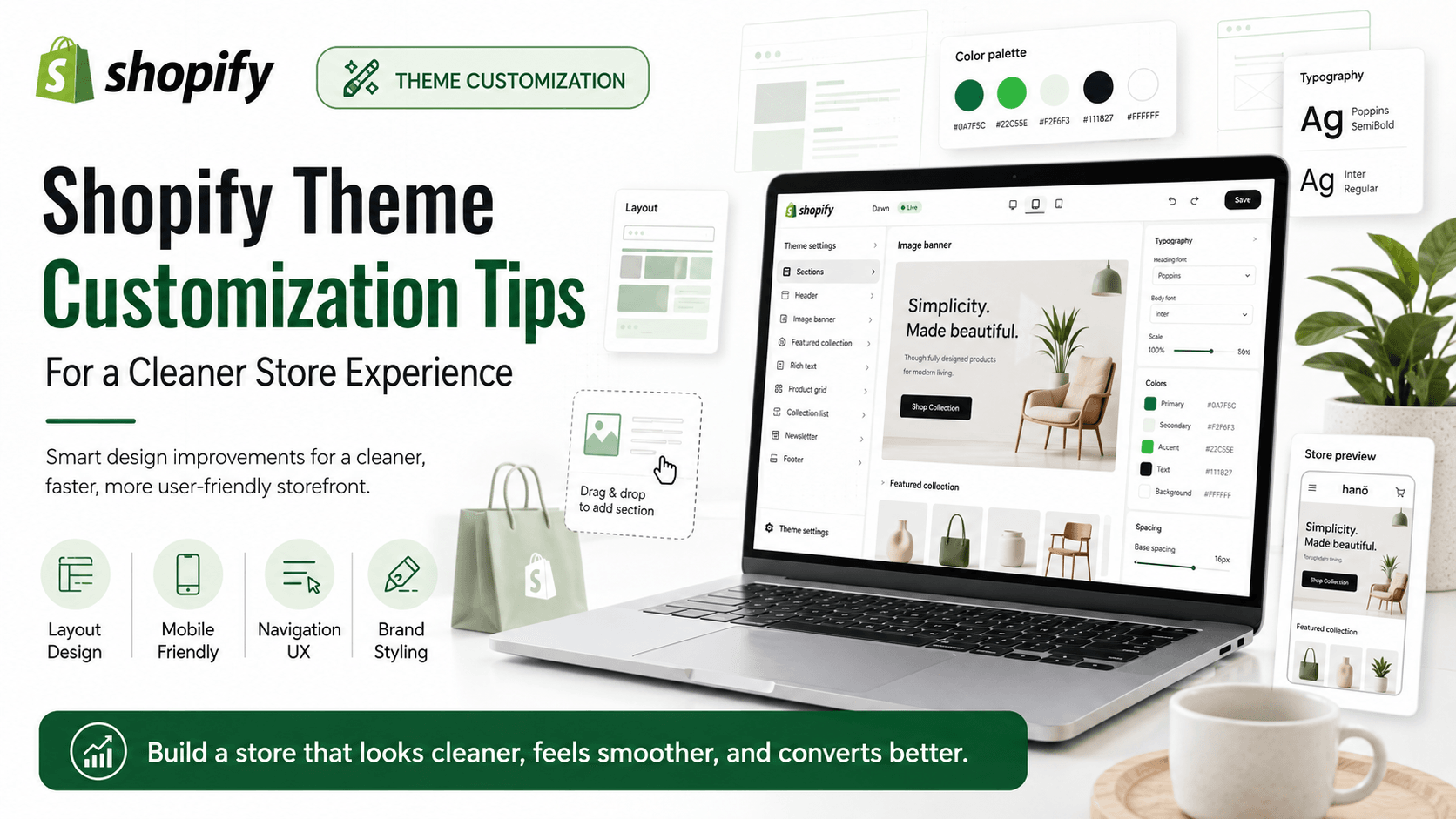
A good Shopify theme is only the starting point. Most conversion and brand improvements come from thoughtful theme customization — not endless section stacking. In 2026, shoppers judge professionalism in seconds, especially on mobile, so structure and clarity matter as much as visual style.
1. Design the homepage as one clear story
Lead with brand, one main offer, and a strong path into collections. Avoid packing the first screen with too many banners, countdowns, and widgets. If the first viewport could belong to any store after removing your logo, branding is too weak and the layout is probably too busy.
2. Simplify navigation around buyer intent
Use clear collection names. Put top categories first. Keep utility links like Track Order and Contact easy to find without dominating the menu. Navigation should reduce thinking, not showcase every marketing campaign at once.
3. Customize collection grids for scanning
Consistent image ratios, readable titles, visible prices, and quick filters help shoppers compare products faster. Collection pages are often higher intent than the homepage, so give them serious design attention.
4. Improve mobile menus and sticky actions
Most Shopify traffic is mobile. Test menu depth, sticky add-to-cart behavior, and thumb-friendly buttons on real devices. A desktop-perfect theme that fails thumb reach and menu clarity will underconvert.
5. Know when to edit Liquid
Theme settings are enough for small changes. Custom Liquid, CSS, and JavaScript become useful for unique product layouts, B2B flows, or brand-specific sections apps cannot match cleanly. Custom code should be intentional and documented, not a pile of one-off patches.
6. Keep accessibility and SEO in the same pass
Proper headings, alt text, contrast, and semantic structure help users and search engines. Theme work should never ignore that foundation. Clean heading hierarchy also makes future content and SEO work easier.
7. Reduce card clutter and competing CTAs
Too many bordered cards, badges, and buttons create noise. Give each section one job. When every block shouts, shoppers hear nothing. Prefer clear hierarchy over decorative complexity.
8. Plan customization around business workflows
Wholesale approval, quote requests, subscription selectors, or localized size guides may need custom UI. Map those workflows before choosing a theme so you do not fight the theme architecture later.
A practical customization sequence
Start with information architecture and mobile navigation. Then refine homepage and collection templates. Next improve product templates and trust modules. Only then invest in advanced Liquid features. This sequence keeps branding strong while protecting performance and maintainability.
XLOXI customizes Shopify themes for brands that need a polished experience with clean code, better UX, and room to scale through 2026 and beyond.
Theme customization mistakes that hurt stores
The most common mistake is stacking marketing sections until the homepage becomes a collage of competing offers. Another mistake is installing apps for layout changes that should be simple theme edits. A third is customizing without a mobile-first QA checklist, which leaves broken menus, overlapping badges, and hard-to-tap buttons in production.
Document every custom section and Liquid change. Future developers should understand why a customization exists. Undocumented theme edits become expensive debt and make speed or SEO projects harder later in 2026.
Finally, align theme work with analytics. If a redesigned collection grid looks nicer but reduces product clicks, revise it. Beautiful customization that lowers conversion is not successful customization.
Hire a Shopify developer in Sri Lanka
If you are ready to hire, start with our dedicated pages:
Shopify Developer Sri Lanka — main hiring hub
Shopify Expert Colombo — capital & island-wide delivery
Shopify Partner Sri Lanka — verify our official Partner listing
XLOXI PVT LTD is a registered Shopify Partner publishing live App Store apps (Offrefy, Approvefy, Billoxi). Request a quote to get a clear scope.