
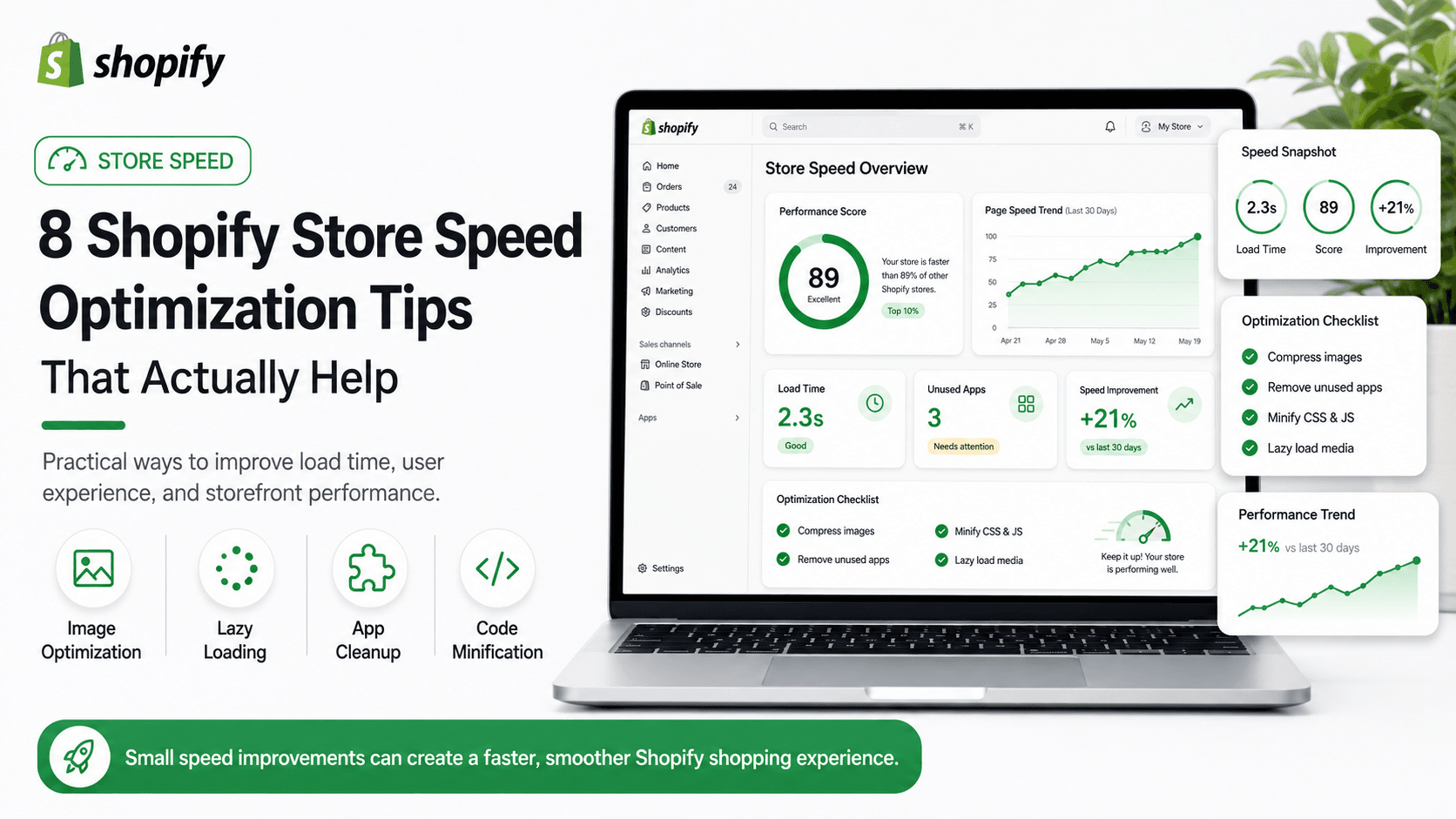
Slow Shopify stores lose sales. Shoppers bounce, ads become more expensive, and search performance suffers when pages feel heavy. In 2026, mobile shoppers expect product and collection pages to respond quickly, even on average connections. The good news is that most speed wins come from disciplined cleanup, not a full rebuild.
These Shopify store speed optimization tips focus on changes that usually move Core Web Vitals and perceived performance without removing the features your business actually needs.
1. Audit apps before blaming the theme
Every app can add scripts. Remove unused apps and keep only tools that clearly earn their performance cost. Many stores accumulate review widgets, upsell tools, pop-ups, and old tracking snippets that no longer serve a purpose. Install one change at a time and measure after each removal.
2. Compress and correctly size images
Large product images are a common cause of slow mobile pages. Use modern formats where possible, avoid uploading oversized files, and make sure theme image settings request appropriate widths. Hero banners and collection grids are frequent LCP candidates, so treat them carefully.
3. Reduce homepage section overload
Too many slideshows, video backgrounds, and nested sections hurt first load. Keep the homepage focused and move secondary content deeper into collections or landing pages. A cleaner first screen improves both branding and speed.
4. Lazy-load below-the-fold media
Prioritize what users see first. Defer non-critical images, reviews widgets, and decorative media until needed. Lazy-loading is helpful, but it cannot fix a homepage that tries to load everything at once.
5. Clean up unused theme code and leftover sections
Old A/B sections, abandoned app embeds, and duplicate CSS often remain after redesigns. Removing them improves both speed and maintainability. Ask your developer to search for unused snippets, dead app blocks, and duplicate stylesheet references.
6. Be careful with fonts and third-party scripts
Limit custom font weights and delay non-essential tracking or chat widgets when possible. Fonts and third-party scripts frequently block rendering. Prefer system-safe fallbacks and load chat tools after interaction when business rules allow.
7. Optimize collection and product templates separately
Homepage speed is not enough. Collection grids and product galleries are high-traffic templates and need their own performance pass. A fast homepage with a slow product template still wastes paid traffic.
8. Measure with real mobile data
Test on mobile networks and monitor Core Web Vitals. Fix LCP, CLS, and INP issues where shoppers actually feel friction. Lab scores help, but field data from Search Console and analytics tells you whether customers feel the improvement.
A practical speed workflow for 2026
Begin with an inventory of apps and scripts. Next, compress media and simplify above-the-fold sections. Then clean theme leftovers and re-test product and collection templates. Finally, reintroduce only the apps that prove their value against conversion or support metrics. This cycle keeps Shopify stores fast as catalogues and marketing tools grow.
XLOXI helps Shopify brands improve speed as part of development and SEO work — because a faster store supports conversions, better ad efficiency, and stronger ranking stability over time.